
Hey Pal, I am Ankur, your financial pal. If you are above 18, I will help you Set Up Direct Deposit at 18 through my Step-by-Step guide (2026).
Your first real paycheck feels great until you realize it has nowhere safe to land. To set up direct deposit at 18, you need a bank account in your own name, plus the right numbers for your employer. Otherwise, your pay could end up in a shared account or a paper check.
Turning 18 also changes who can see your money. A joint account lets a co-owner see every deposit, so a solo account keeps your paychecks private. That is why opening a high school savings account at 18 without parents comes first.
This guide will show you exactly how to get your pay moving, from finding the right routing number to filling out your employer’s payroll portal. You will also learn what to do when your bank cannot hand you a voided check. Before you submit anything, follow the steps below in order.
How to Set Up Direct Deposit at 18 After Opening a New Bank Account

Quick Answer: To set up direct deposit at 18, find your ACH routing and account numbers, download your bank’s direct deposit form, enter the details in your employer’s online payroll portal, choose full or split deposit, and keep your old account open through one full pay cycle.
Step 1: Locate Your 9-Digit ACH Routing and Account Numbers
First, open your bank app, find the account details screen, and copy your 9-digit routing and account numbers. However, use the ACH routing number, because some banks list a different one for wires. According to Bank of America’s direct deposit FAQ, banks ask for the ACH routing number during setup.
Step 2: Download Your Bank’s Official Direct Deposit Form
Next, download the prefilled direct deposit form from your bank, because it lets you set up direct deposit at 18 without typing errors. Chase, Bank of America, Capital One, Ally, and Chime each let you generate one. Meanwhile, employers with portals may skip the form, so keep it handy.
Step 3: Enter Details in Your Employer’s Payroll Portal — ADP, Workday, Gusto, or Paychex
Log in to your employer’s payroll portal and open the Pay, Direct Deposit, or Payment Elections section. Enter your routing number, account number, and account type, then double-check every digit. Before you submit, confirm you chose checking or savings.
Workday’s documentation shows you add the bank account first, then change the payment election. Meanwhile, Gusto’s support page says US employees can add up to five bank accounts under My profile, then Pay. ADP and Paychex ask for the same core details, though menu names vary by employer.
When you set up direct deposit at 18, your employer may verify the new account first. Under Nacha ACH direct deposit operating rules, a prenote is an optional zero-dollar test entry that checks whether an account can accept payments. As a result, your first paycheck may arrive later than expected.
Step 4: Set Up Full or Split Direct Deposit
When you set up direct deposit at 18, choose whether all your net pay goes to one account or splits by percentage or dollar amount. For instance, you could send 90% to checking and 10% to savings. If your employer does not allow splits, however, schedule an automatic transfer at your bank instead.
Step 5: Keep Your Old Account Open for One Full Pay Cycle
Even after you set up direct deposit at 18, keep your old account open until a full paycheck lands in the new one. Payroll systems apply changes on their own schedule. For example, Ally’s help page says a new direct deposit may take one to two pay cycles to take effect.
No Paper Checks? How to Handle the “Voided Check” Requirement
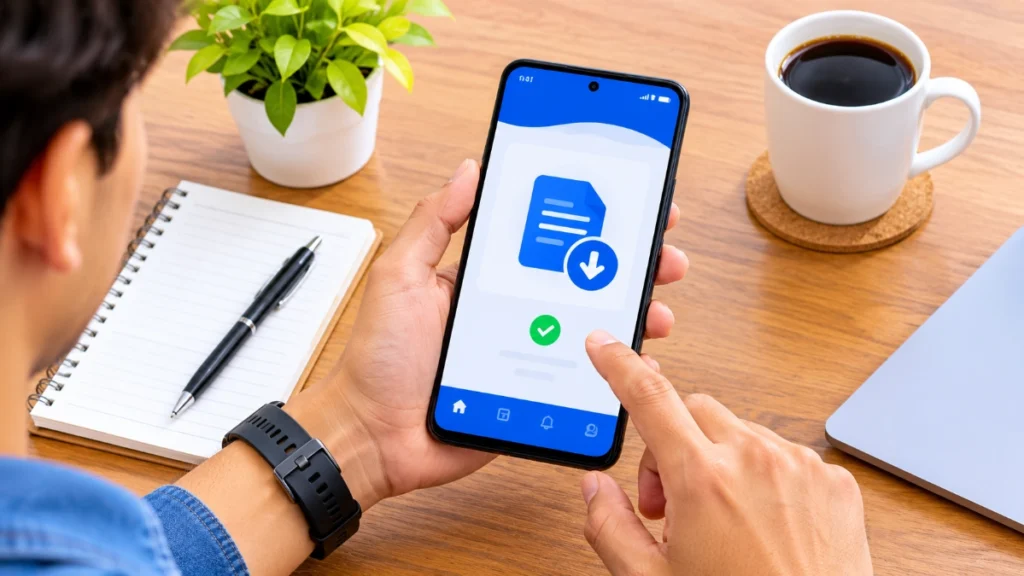
Most 18-year-olds never order checks, yet some payroll teams still ask for a voided one. Fortunately, you can set up direct deposit at 18 without a checkbook, because a bank-generated form or letter shows the same routing and account numbers. However, ask HR which proof it accepts first.
Employers can also verify accounts without paper. Nacha’s ACH Developer Guide describes prenotes and outside validation services as ways to confirm an account is open. Still, a bank-issued form often settles the question with HR.
Menu names change, so follow your app’s current prompts. Here is where each bank currently puts its official direct deposit form:
- Chase: In the Chase Mobile app, pick your checking account, tap Manage Account, then choose “Set up direct deposit form.” You can download, print, or email the prefilled form, as Chase’s direct deposit page explains.
- Bank of America: In the mobile app, open your deposit account and tap Direct Deposit under Account Management. Online Banking also lets you download a prefilled form, per Bank of America’s direct deposit page.
- Capital One: In the mobile app, choose your checking account, select “View All” under “I Want To,” then tap “Set Up Direct Deposit” in Account Settings and “Get Form,” per Capital One’s early paycheck page.
- Ally: Open the direct deposit settings page in the Ally app and search for your employer, or download a prefilled form, as Ally’s setup guide describes.
- Chime: Tap Move Money, then Set up direct deposit, and select Get completed form to receive a PDF by email. Chime uses partner banks, so copy the routing number your app shows, as Chime’s routing number page explains.
Direct Deposit Setup Methods & Payroll Timelines Compared
Each method below can help you set up direct deposit at 18, but payroll cutoffs drive the timing. Under Nacha ACH direct deposit operating rules, receiving banks must make standard ACH credits available by 9:00 a.m. local time on the settlement date, and Same Day ACH credits by later deadlines.
| Setup Method | Setup Time | Pay Cycles to Activate | Voided Check Needed? | Best For |
|---|---|---|---|---|
| Employer HR Portal (ADP, Workday, Gusto) | Fast: you enter the details online | Varies by payroll cutoff; plan for 1–2 cycles | Often not – confirm with HR | Self-service payroll employees |
| Paper HR Form + Bank Authorization Letter | Slower: you hand paperwork to HR | Varies; HR must enter it first | No – the bank letter or form replaces it | Small employers without a portal |
| Split Direct Deposit (Checking + Savings) | One extra step per account | Same as the method you use | Depends on the method | Automatic saving |
| Payment App Routing (Venmo, Cash App) | Fast: copy the numbers from the app | Varies; funds post when your employer sends them | No – the app shows its own numbers | App-first banking; see the insurance note below |
When you set up direct deposit at 18, Consumer Financial Protection Bureau payroll and direct deposit guidelines under Regulation E protect your choice of bank. Employers cannot require you to receive wages at one particular institution, though they may require direct deposit if you pick the bank. State laws govern paper-check options.
As outlined by FDIC deposit insurance coverage rules, coverage reaches $250,000 per depositor, per insured bank, per ownership category. However, the Consumer Financial Protection Bureau warns that money held in payment apps like Venmo or Cash App often lacks deposit insurance unless a pass-through arrangement applies.
Switching Direct Deposit From a Minor Account: Transition Checklist

You have two paths when you leave a minor account. You can open a brand-new bank account and point your paycheck there, or you can stay at your current bank and remove a parent from a joint bank account at 18. However, banks set their own processes.
To set up direct deposit at 18 without missing a paycheck, follow this order:
- Open the new account first. Keep your minor account active, because your employer may still send the next paycheck there while the change processes.
- Submit your new numbers. Enter them in the payroll portal or hand HR your bank’s prefilled form, and note the date you submitted the change.
- Wait for one full paycheck. Confirm the deposit lands in the new account before you change anything else, because payroll cutoffs can delay the switch.
- Move your saved balance. Follow our guide to transfer money from a minor savings account, while new paychecks keep flowing into the new account.
- Update other payers, then close the old account. Gig apps, scholarship offices, and tax refunds may still use your old numbers.
4 Common Direct Deposit Mistakes 18-Year-Olds Make
Small data errors can delay your first paycheck, and each one is easy to avoid. Before you hit submit, review these four mistakes, because any of them can slow the deposit when you set up direct deposit at 18.
- Using a wire routing number instead of the ACH routing number. Some banks list separate numbers for wires and direct deposit, so copy the one your bank labels for ACH or direct deposit. Bank of America’s direct deposit FAQ, for instance, says your bank will indicate which number each transaction needs.
- Closing the old minor account before the payroll switch settles. If payroll still sends one more deposit there, a closed account can return the payment and delay your pay. Keep it open until a full paycheck lands in the new account.
- Mixing up checking and savings account numbers. Savings and checking accounts usually carry different account numbers, and some payroll systems also ask for the account type. Enter the number and type from the same screen to avoid a mismatch.
- Forgetting gig apps, Venmo, or Cash App payouts. Each payer stores its own bank details, so update every gig app, platform, and payroll provider that sends you money. Meanwhile, Venmo and Cash App show their own account and routing numbers in the app, so copy those if you want pay to land there.
Frequently Asked Questions
Q1. How long does it take to set up direct deposit at 18?
Expect a delay after you set up direct deposit at 18, because activation depends on your employer’s payroll cutoff. Ally says a new direct deposit may take one to two pay cycles to take effect. Keep your old account open until a full paycheck arrives in the new one.
Q2. Can I set up direct deposit at 18 without a voided check?
Yes. Chase, Bank of America, Capital One, Ally, and Chime each let you generate a prefilled form, so you can set up direct deposit at 18 without a checkbook. Employers can also validate accounts with prenotes, according to Nacha, so ask HR which proof it accepts.
Q3. Can my employer force me to use a specific bank for direct deposit?
Generally, no. Regulation E, enforced by the Consumer Financial Protection Bureau, bars employers from requiring you to receive pay at one particular institution. However, an employer may require direct deposit if you choose the bank, and state laws control whether paper checks remain an available alternative.
Q4. Can I split my direct deposit between checking and savings?
Often, yes, if your employer’s payroll system allows it. You enter each account’s routing number, account number, and account type, then choose a percentage or dollar amount. Gusto, for example, lets US employees add up to five bank accounts. Otherwise, schedule an automatic transfer from checking to savings.
Q5. Does direct deposit arrive early at Chime, Ally, or Capital One?
Early payday timing varies by employer payroll cutoff and each bank’s policy. Chime, Ally, and Capital One each market early paycheck access, but Chime and Ally tie it to your employer sending funds ahead of payday. Check your bank’s current terms before you count on it.
If you stayed with me till the end, a big thank you. Keep looking for other informative articles from my desk. Signing off,
Ankur Saxena

Ankur Saxena, CA is a qualified Chartered Accountant (ICAI) and the founder of MyFinanceGoal.com. Drawing on his formal background in financial analysis, accounting, and tax compliance, he breaks down U.S. banking rules, credit systems, and IRS guidelines into practical, step-by-step guides—all cross-verified against official sources like the IRS, FDIC, and CFPB. (Educational content only; CA India, not a U.S. CPA).